Fooducate Review: Features, Grades, Price and Alternatives
An honest Fooducate review: how its A to D food grades work, what the free app and Pro include, prices, its limits and the best alternatives in 2026.
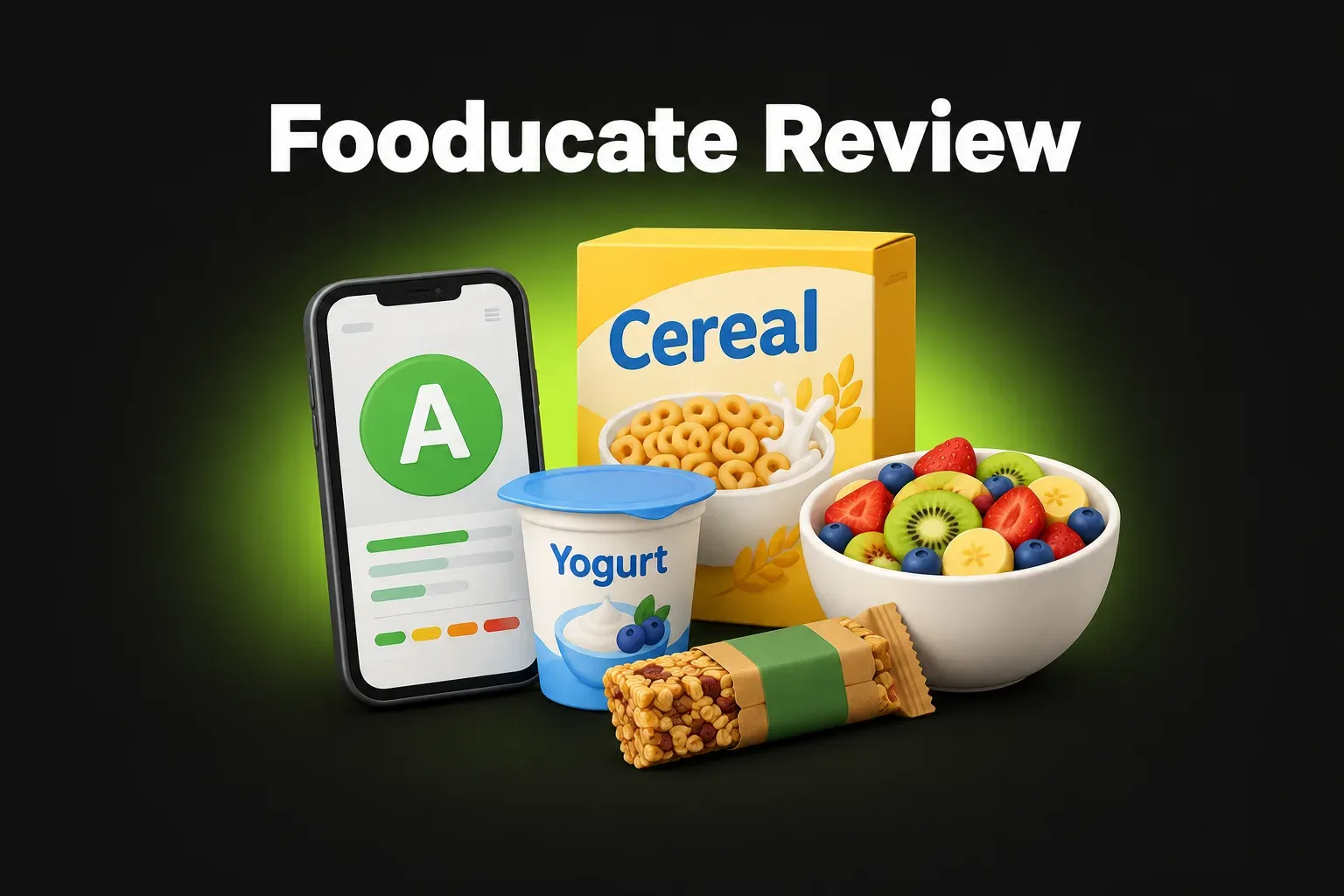
Fooducate is one of the oldest food apps still around. It launched in 2010, long before AI calorie counters, with a simple idea: scan a product and get a grade from A to D that tells you how healthy it is. Today it’s a full nutrition app with a food diary, calorie and macro tracking and diet programs. In the US App Store it has a 4.6-star rating from about 78,000 ratings.
The short answer: Fooducate is a solid two-in-one app: a barcode scanner with A–D grades and a calorie and macro tracker. The free version covers the basics but shows ads, and many diet features need Pro (in-app purchases from $1.99 to $89.99 in the US). The grades are a useful shortcut, but they’re Fooducate’s own system. If you want a scanner that explains additives with their risks, logs meals from a photo and has no ads, there are newer alternatives.
Features and prices checked in November 2026 on the app’s US App Store listing.
What is Fooducate?
Fooducate is a nutrition app for iPhone, iPad and Android. It was created in 2010 and is now published by Maple Media. The app is available in English, French, German, Italian, Portuguese and Spanish.
Its listing mentions an Apple “Best of” award in Health & Fitness and first prize in the US Surgeon General’s Healthy App Challenge.
How the food grades work
You scan a barcode, and Fooducate gives the product a grade: A, B, C or D. The grade is based on the nutrition label and the ingredient list. The app highlights things it wants you to notice (App Store):
- added sugars
- artificial sweeteners such as aspartame
- trans fats
- high fructose corn syrup
- MSG
- controversial food colorings
- other additives and preservatives
- GMO ingredients (Pro only)
For products with a low grade, it suggests healthier options from the same category.
The tracker
Fooducate is also a calorie counter. You can:
- log food and exercise
- track calories and macros (protein, carbs, fat)
- see the “quality” of your calories, not only the number
- analyze your sugar intake
- track sleep, mood and hunger
- add your own recipes
- connect to Apple Health
There’s also a community where users share tips and support.
Free vs Pro: what you pay for
| Free | Pro / add‑ons | |
|---|---|---|
| Barcode scanner and A–D grades | ✓ | ✓ |
| Food and exercise diary, calories, macros | ✓ | ✓ |
| Healthier suggestions | ✓ | ✓ |
| Ads | Yes | No ads (Pro) |
| Diet programs: keto, low-carb, diabetes, kidney, heart, paleo, vegan | – | ✓ (Pro) |
| GMO warnings | – | ✓ (Pro) |
| Gluten and allergen checks | – | ✓ (add‑on) |
In the US App Store, Fooducate’s in-app purchases range from $1.99 to $89.99. The listing offers monthly, yearly and one-time options for Pro and for Gluten & Allergies.
What Fooducate does well
- Scanner and tracker in one app. You can check a product in the store and log it at home without switching apps.
- Simple grades. A–D is easy to understand at a glance.
- It looks at calorie quality. It reminds you that 200 calories of almonds and 200 calories of candy aren’t the same.
- Lots of diet programs in Pro, including diabetes and kidney disease.
- A long track record. It has been updated for more than 15 years.
Fooducate’s limits
- Ads in the free version. You need Pro to remove them.
- Many features are paid. Diet programs, GMO warnings and allergen checks need Pro or an add-on.
- The grade is Fooducate’s own system. It’s a helpful guide, but it’s not an official method like Nutri-Score, and the listing doesn’t mention a separate score for additives.
- Barcode only. The App Store description talks about scanning barcodes; it doesn’t mention reading the ingredient list from a photo for products without a barcode.
- Manual logging. The listing describes logging food, but it doesn’t mention logging a meal from a photo.
The best Fooducate alternatives
NutriSmart
NutriSmart does both jobs – food scanner and calorie counter – with every feature free:
- Check any label: scan the barcode or photograph the ingredient list. The app highlights harmful additives and ultra-processed ingredients, explains the risks of each one and gives a health score out of 100 (65% from additives and risky ingredients, 35% from nutrients based on Nutri-Score)
- Set alerts for additives you want to avoid
- Count calories from a photo of what you eat, and track macros, water, steps and weight
- Plan your week: a 7-day meal plan with recipes and a shopping list
- Available in English, Romanian, French, German and Spanish
Scans use scan points, which you get by watching a short video ad. Each friend you invite gives you 7 days of Premium, and Premium removes the limit.
Yuka
Yuka scores food and cosmetics from 0 to 100 using nutrition (Nutri-Score), additives and organic status. It has no ads, but it doesn’t track calories.
MyFitnessPal, Lose It and Cronometer
If you mainly want a calorie counter, see our comparisons Lose It vs MyFitnessPal and MyFitnessPal vs Cronometer, and our list of MyFitnessPal alternatives.
Fooducate vs NutriSmart at a glance
| Fooducate | NutriSmart | |
|---|---|---|
| Food scanner | ✓ Barcode | ✓ Barcode or photo of the label |
| Product rating | A–D grade | Score 0–100 with the risks of each additive |
| Calorie and macro tracking | ✓ | ✓, including from a photo of your meal |
| Meal plans and recipes | Diet programs (Pro) | ✓ 7-day plan with a shopping list |
| Ads | In the free version | Short video ads only for extra scans |
| Languages | English, French, German, Italian, Portuguese, Spanish | English, Romanian, French, German, Spanish |
The bottom line
Fooducate is a reliable, long-running app that puts a barcode scanner with A–D grades and a calorie tracker in one place. The free version is useful but shows ads, and its diet programs and allergen checks are paid. If you want a scanner that also reads labels from a photo, explains each additive’s risks, logs meals from a photo and keeps every feature free, NutriSmart is a good alternative.
Fooducate is a trademark of its owner. NutriSmart is not affiliated with Fooducate or Maple Media.
FAQ
What is Fooducate?
Fooducate is a nutrition app that has been around since 2010. You can scan a product's barcode to get a grade from A to D, see what's in it (like added sugar or artificial sweeteners) and get healthier suggestions. It also has a food diary for calories and macros.
Is Fooducate free?
The app is free to download and use, with ads. Fooducate Pro and add-ons like Gluten & Allergies are paid. In the US App Store, the in-app purchases range from $1.99 to $89.99, with monthly, yearly and one-time options.
How does Fooducate grade food?
It looks at the nutrition label and the ingredient list and gives each product a grade from A (best) to D. It points out things like added sugars, artificial sweeteners, trans fats, high fructose corn syrup, MSG and controversial food colorings.
Does Fooducate count calories?
Yes. Besides the scanner, it has a food and exercise diary, tracks calories and macros, and can also log sleep, mood and hunger. It works with Apple Health.
What does Fooducate Pro include?
According to the App Store listing, Pro adds diet programs (keto and low-carb, diabetes, kidney disease, heart health, paleo, vegan and vegetarian), GMO warnings, weekly tips, priority support and no ads.
What is a good alternative to Fooducate?
Yuka scores food from 0 to 100 and has no ads. NutriSmart checks ingredients from a barcode or a photo of the label, scores products out of 100 and counts calories from a photo of your meal, with every feature free.