Bobby Approved App Review: How It Works and Is It Worth It?
An honest Bobby Approved app review: how the food scanner works, which ingredients it flags, what it costs, its limits and the best alternatives.
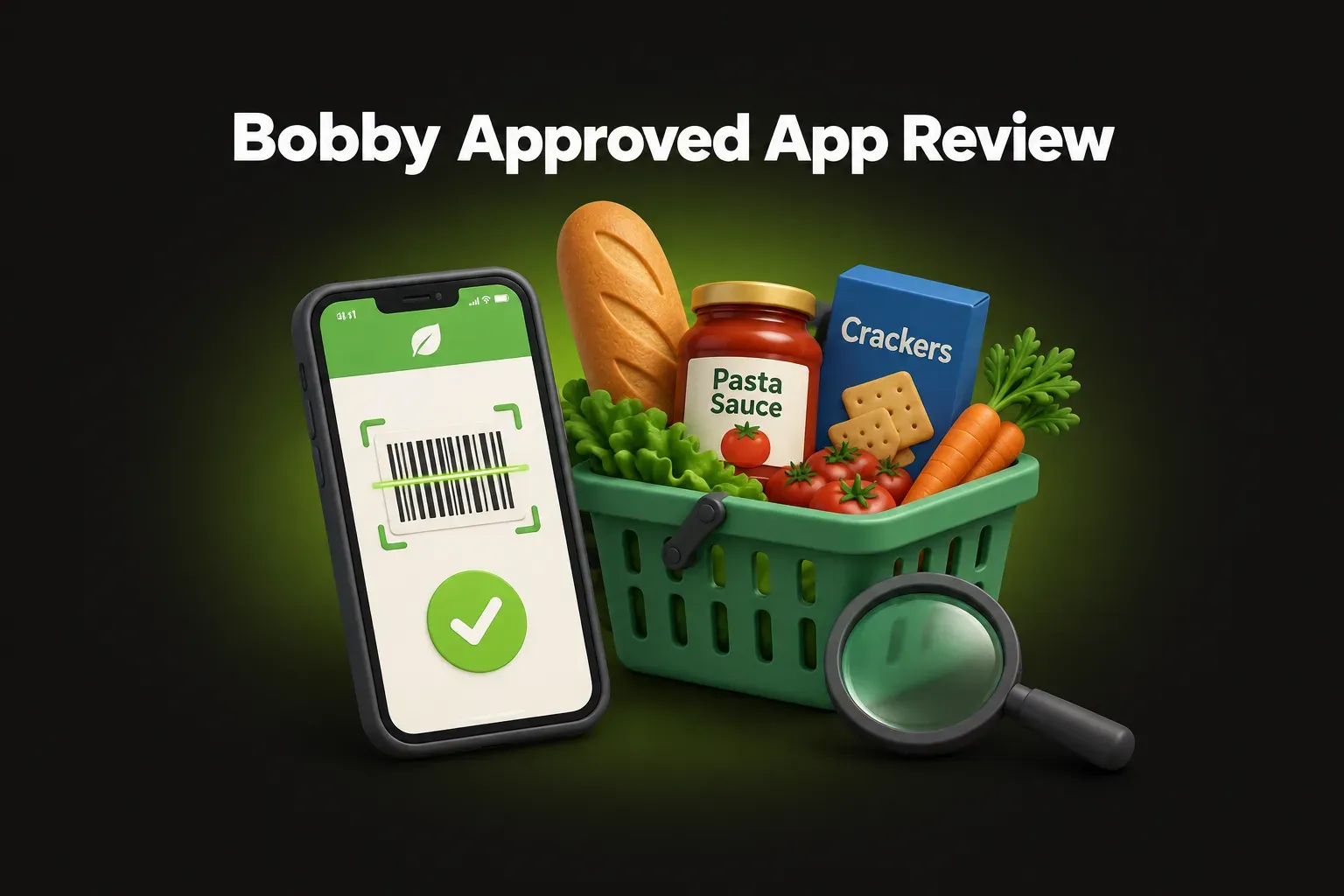
Bobby Approved is one of the most popular food scanner apps in the US. It was made by Bobby Parrish, the creator of FlavCity, whose grocery store videos tell people which products to buy and which to put back. The app turns those videos into a scanner: point your phone at a barcode and see if a product is “Bobby Approved”. In the US App Store, it has a 4.9-star rating from about 166,000 ratings.
The short answer: Bobby Approved is a free, very easy way to find products without the ingredients Bobby avoids – such as seed oils, natural flavors, artificial sweeteners and dyes. It’s great if you share his rules. But the verdict is yes or no, and it follows Bobby’s own list, which is stricter than food safety agencies for several ingredients. It doesn’t count calories or plan meals, and it’s English only and built around US stores.
Features checked in November 2026 on the app’s App Store listing.
What is Bobby Approved?
Bobby Approved is a food scanner app first released in 2021. It’s made by BA Global Holdings, the company behind the app, and it’s available on iPhone and Android.
Bobby Parrish has spent years filming in popular US grocery stores, checking labels and recommending products. The app puts his choices in your pocket. According to its listing, Bobby has a list of more than 100 ingredients he considers harmful, and the app checks every product against it.
How it works
- Scan the barcode of a product, or search for it by name.
- The app shows if it’s Bobby Approved or not.
- Flagged ingredients are highlighted in red. Tap one to read why it’s on the list.
- If a product isn’t approved, the app shows approved alternatives.
- You can also browse approved products by store.
Which ingredients does it flag?
According to the App Store listing, the flagged list includes (App Store):
| Group | Examples |
|---|---|
| Flavors | Natural flavors, artificial flavors |
| Sweeteners | Artificial sweeteners (“fake sugars”) |
| Colors | Food dyes such as Red 40 and Yellow 5 |
| Oils | Seed oils such as canola, soybean and sunflower oil |
| Additives | Preservatives and other chemical additives |
Some items on the list have good evidence behind them – for example, the Southampton study linked several food dyes to more hyperactivity in some children, and Europe now requires a warning label on them. Others are more debated. Natural flavors and seed oils are considered safe by food safety agencies in normal amounts, and the research on seed oils is mixed. Read our guides to natural flavors and seed oils for the details.
Price
The app is free, and its listing calls it a free food scanner. We found no paid plan on its US App Store page in November 2026.
What Bobby Approved does well
- It’s very simple. Approved or not, with the reason in red. No numbers to interpret.
- It’s free. Scanning, the ingredient library and alternatives cost nothing.
- Alternatives by store. If your favorite crackers fail, you see a better option you can actually buy at your store.
- It teaches you to read labels. After a few weeks, you start spotting the same ingredients yourself.
- It’s well liked. A 4.9-star rating from about 166,000 ratings is very high for a food app.
Bobby Approved’s limits
- It’s yes or no. A product with one flagged ingredient and one with ten both show as “not approved”. You don’t see how much better one product is than another.
- The rules are one person’s. The list reflects Bobby’s reading of the research. For some ingredients it’s much stricter than the FDA or the European Food Safety Authority. That’s fine if you agree with him – just know that “not approved” doesn’t always mean “unsafe”.
- It’s about ingredients, not nutrition. The listing describes an ingredient check. It doesn’t mention a score for sugar, salt or calories, so you don’t see how a product compares on those.
- No calorie or macro tracking. There’s no food diary or meal plan. If you want to lose weight, you’ll need another app as well.
- English only, US-focused. The app is in English, and the store lists are built around US grocery chains.
The best Bobby Approved alternatives
NutriSmart
NutriSmart combines a food scanner with a calorie counter, so you can check what’s in your food and track how much you eat in one app:
- Check any label: photograph the ingredient list or scan the barcode. The app highlights harmful additives and ultra-processed ingredients, explains each one with its risks, and gives the product a health score out of 100 (65% from additives and risky ingredients, 35% from nutrients based on Nutri-Score) – so you see how good or bad a product is, not only yes or no
- Set alerts for the ingredients you want to avoid, and the app warns you every time a scanned product contains one
- Count calories from a photo of what you eat, and track macros, water, steps and weight
- Plan your week: a 7-day meal plan with recipes and a shopping list
- Available in English, Romanian, French, German and Spanish
Every feature is free. Scans use scan points, which you get by watching a short video ad. Each friend you invite gives you 7 days of Premium, and Premium removes the limit.
Yuka
Yuka scores food and cosmetics from 0 to 100: 60% nutrition (based on Nutri-Score), 30% additives and 10% organic. It shows a healthier alternative for low-scoring products. Its free version covers scanning; Premium adds search, offline mode and food preference alerts.
Open Food Facts
Open Food Facts is a free, non-profit, open database built by volunteers. Its app shows Nutri-Score, additives and how processed a product is.
Bobby Approved vs NutriSmart at a glance
| Bobby Approved | NutriSmart | |
|---|---|---|
| Food scanner | ✓ Barcode | ✓ Barcode or photo of the label |
| Result | Approved / not approved | Score 0–100 with the risks of each additive |
| Ingredient alerts | Fixed list (100+ ingredients) | Choose the additives you want to avoid |
| Calorie and macro tracking | – | ✓ |
| Meal plans and recipes | – | ✓ |
| Languages | English | English, Romanian, French, German, Spanish |
| Price | Free | Free (Premium removes the scan limit) |
The bottom line
Bobby Approved is a free, simple and well-loved scanner for people who want to avoid seed oils, natural flavors, dyes and artificial sweeteners. Use it as a filter that follows Bobby’s rules – not as the final word on what’s safe, since some ingredients on his list are considered safe by food agencies. If you’d rather see a score, choose which ingredients to avoid, or also count calories and plan meals, NutriSmart does all of it in one app.
Bobby Approved and FlavCity are trademarks of their respective owners. NutriSmart is not affiliated with Bobby Approved or FlavCity.
FAQ
What is the Bobby Approved app?
Bobby Approved is a free food scanner app from Bobby Parrish, the creator of the FlavCity cooking and grocery videos. You scan a product's barcode and the app tells you whether it's 'Bobby Approved' or not, highlights the ingredients it flags in red and suggests alternatives.
Is the Bobby Approved app free?
Yes. The app is free to download on iPhone and Android, and its App Store listing describes it as a free food scanner app. We found no paid plan listed on its US App Store page in November 2026.
What ingredients does Bobby Approved flag?
According to its App Store listing, the app flags more than 100 ingredients, including natural and artificial flavors, artificial sweeteners, food dyes, chemical additives, seed oils and preservatives.
Is Bobby Approved accurate?
It accurately shows which ingredients a product contains, so it's a good way to find products without the ingredients Bobby avoids. The 'approved' verdict, though, follows Bobby's own rules, which are stricter than food safety agencies for some ingredients, such as natural flavors and seed oils.
Does Bobby Approved count calories?
No. It checks ingredients, but it doesn't track what you eat, calories or macros. If you want both, you need a calorie counter as well, or an app like NutriSmart that combines a food scanner with calorie tracking.
What is a good alternative to Bobby Approved?
Yuka scores products from 0 to 100 using nutrition and additives. Open Food Facts is a free, open database. NutriSmart checks ingredients from a barcode or a photo of the label, scores products out of 100 and also counts calories and plans meals, in 5 languages.